BabyGains Play FAQ — Every Question Parents Ask Before Downloading

Before anyone downloads a kids app, they want answers — not marketing. These are the ten questions I get most often from parents over email and DMs, and the actual answers.
If you've got one I haven't covered, send it to me at philip@babygains.nl and I'll add it.
1. What age range is BabyGains Play for?
Ages 2 through 8, split into three bands: Strong Start (2-4), Power Up (4-6), and Big Movers (6-8). The bands aren't strict — you pick whichever feels right for your kid's energy and motor skills. A young 5-year-old often fits Strong Start better than Power Up for the first month.
Under 2, the app isn't recommended. The American Academy of Pediatrics advises against structured screen-based programming for children under 18-24 months. We honor that. Movement at that age should be free play, not guided sessions.
2. Is it safe for my 3-year-old?
Yes, with two conditions: an adult is in the room, and the floor is clear of trip hazards. The Strong Start band is built for this age — no jumps from height, no overhead loaded movements, no skill-based balance that requires falling.
That said, the app isn't a substitute for adult supervision. We don't pretend it is. It's a structured movement prompt that you run *with* your kid, not *for* your kid.
3. How is this different from YouTube kids exercise videos?
Three real differences:
- No video. Movements are illustrated, not filmed. That sounds like a downside until you watch a kid try to copy a video where the trainer moves at adult speed. Illustrations let your kid set the pace.
- No yelling. The audio is a calm parent voice, not an announcer or a cartoon character. Kids who burn out on hype-style content stay engaged longer.
- No autoplay. Sessions end when they end. There's no "up next" rabbit hole pulling your kid into a fourth video.
The closest analog isn't YouTube — it's a coached gym class scaled down for a living room.
4. Does it require any equipment?
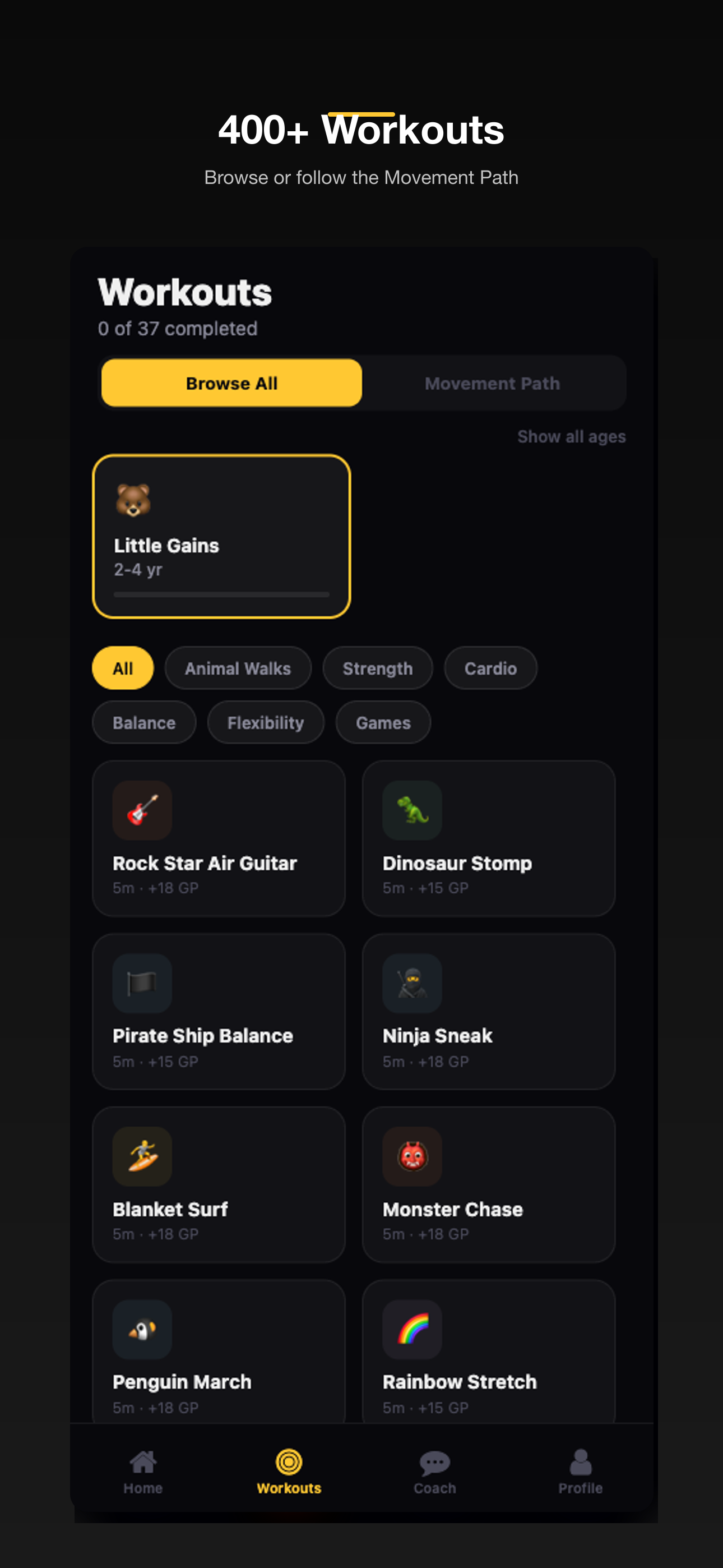
No. Roughly a third of all routines are bodyweight-only and clearly labeled. The rest call for one or two pieces of gear: usually a kettlebell, a barbell, a curl bar, or dumbbells.
If you want one piece to start, the Starter Kettlebell Set covers the largest number of routines. For a full setup, the Total Gym Kit is the all-in-one.
5. How much does it cost?
The app is free to download with a free tier you can use forever. Basic is $6.99/mo or $66.99/yr for one kid. Family is $12.99/mo or $124.99/yr and covers every kid in the house with a weekly plan that adapts as they grow. Cancel anytime.
We kept it simple because most parents don't want to think about it. Try the free tier, upgrade when you're ready. The gear pays the rent — the app exists to make the gear more useful.
6. How long are the routines?
Between 4 and 15 minutes. The shortest are 4-minute "First Workout" templates inside each age band. The longest are 15-minute programmed sessions in Big Movers.
We capped sessions at 15 minutes on purpose. Past that, kids stop training and start performing. We'd rather you do two 6-minute routines on opposite ends of a day than one 20-minute session.
7. Does it work on Android and iPhone?
Both. Native iOS app, native Android app, and a web version if you'd rather not install anything. The mobile experience is the one we designed first — phones and tablets work, laptops are usable but awkward because of the kid-facing screen position.
8. Can multiple kids use one account?
Yes. One parent account, multiple kid profiles. Each kid has their own streak, badges, and routine history. Switching is one tap. We've got families using a single account for three kids without issues.
9. Does it count as screen time?
Technically yes. Practically no.
Here's what we mean: the screen is on, so a screen-time tracker counts it. But the kid isn't passively watching — they're moving, the timer is real, and the goal of every routine is physical activity. The WHO recommends limiting passive screen time for under-5s; an active, parent-co-participated movement session isn't what that guidance targets.
If you're tracking minutes, count BabyGains Play minutes separately from passive video time. They're not the same thing.

10. Is strength training safe for kids?
For children old enough to follow simple instructions (roughly age 5+), age-appropriate resistance training is safe and beneficial. The American Academy of Pediatrics, the National Strength and Conditioning Association, and most pediatric sports medicine bodies agree on this.
What "age-appropriate" means in practice:
- Light loads relative to body weight
- Focus on movement quality, not max effort
- No one-rep maxes, no competitive lifting
- Supervised, with a clear stop signal
BabyGains Play is built around that definition. Equipment is sized small. Movements are bodyweight-dominant until kids hit the Big Movers band. We do not program max-effort lifts at any age.
For more on the myths around kids and resistance training, see Myth Busted: 5 Things About Kids Fitness.
Still got a question?
Email philip@babygains.nl directly. I read every one. If your question is good enough, it ends up in this FAQ with attribution.
Download BabyGains Play when you're ready, or read the Gym Playbook first for the gear and setup side.
Enjoyed this article?
Get more like it in your inbox. No spam, just good reads for parents who lift.
Related Articles
How to Use BabyGains Play for the Kid Who Will Not Sit Still
7 min read
Fitness ParentingThe 1-Hour Wind-Down: How to Use Movement to Help Kids Actually Sleep
8 min read
Fitness ParentingWhat Is BabyGains Play? The Fitness App I Built Because My Kids Wouldn't Stop Copying My Workouts
6 min read